

Preventive Maintenance of Self-service Kiosks – Must do list! (2024)
Self-service kiosks might not require to function throughout the year 24/7. Their operational time depends on their typical use-case scenario or the settings at which they are deployed. For example: A banking kiosk deployed at a banking environment or an airport kiosk deployed at busy airports require 24/7 functionality, throughout the year. Whereas, a ticketing kiosk deployed for an event needs to be operational only for the specific time or duration of that event. The kiosk need not be operational after the culmination of the event, and maybe till the commencement of the next event. And hence, the self-service kiosk needs to be shelved for a considerable period of time
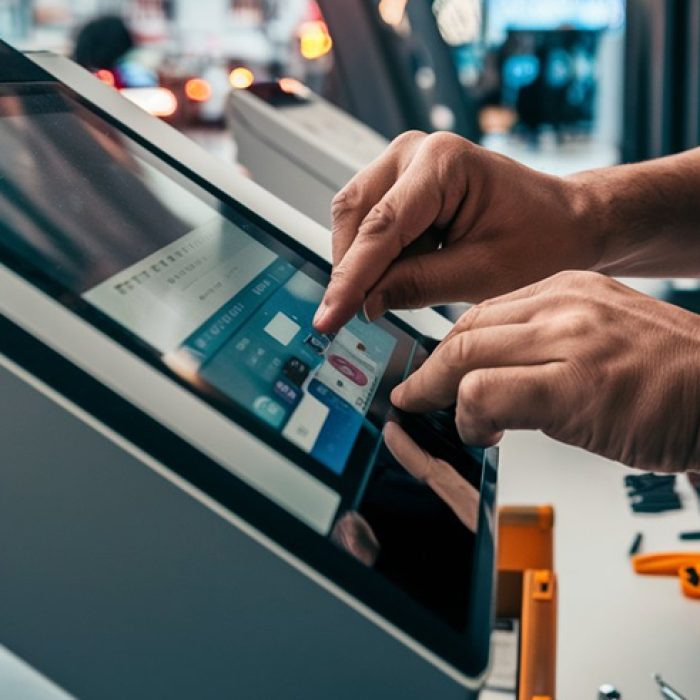
And here lies the importance of preventive maintenance of self-service kiosks.
Read on to understand the best practices related to self-service kiosk storage and maintenance.
What is the lifespan of a kiosk?
The shelf life of any product is the period of time that particular product can be kept in storage before losing its suitability for utilization or selling.
The average lifespan of a self-service kiosk machine is estimated to be 5 to 10 years.
Factors that determine kiosk lifespan
There are several factors that determine the kiosk lifespan. And they are listed below.
- Quality of the kiosk enclosure – The quality of the kiosk enclosure has a major role in the overall life-expectancy of the self-service kiosk machine. The enclosure is usually made of high-quality stainless steel which prevents corrosion, and guards the machine against forces of nature.
- Quality of the hardware components – Commonly used kiosk hardware components like printers, cash acceptors, cash dispensers etc. sold by renowned hardware manufacturers last for long due to their superior quality.
- Hardware adaptability – the hardware manufacturers upgrade their components as technology change. If the kiosk machine is designed to accommodate the change in hardware components, making it adaptable to the latest technology changes – service providers can surely improve the kiosk lifespan.
Depending upon the usage and maintenance, a well-designed and engineered kiosk machine can easily last for 7 to 10 years.
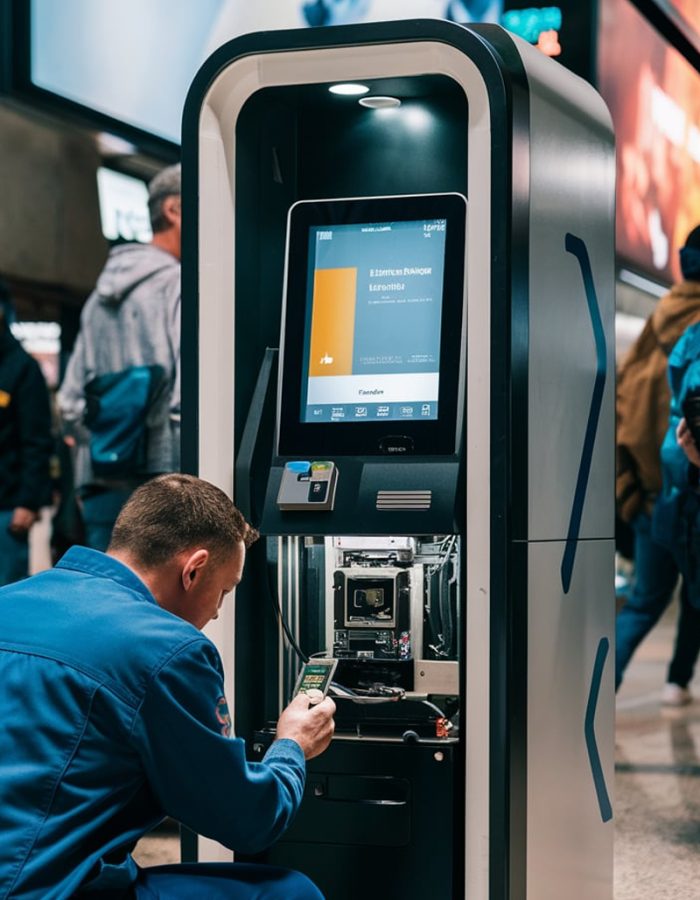
Preventive maintenance of self-service kiosk – General guidelines
If you are planning to shelf your self-service kiosk, for any reason, you should stick on to certain maintenance and storage guidelines. Adhering to these guidelines will keep the kiosk machine safe and functional for future use. And those guidelines are listed below.
Cleaning the kiosk machine
Cleaning comprises both exterior and interior cleaning of the kiosk machine.
A. Exterior cleaning of the kiosk machine
1. Shutdown the kiosk machine – Ensure that your kiosk machine is properly shutdown. If necessary, get help from your kiosk provider’s technical team.
2. Supply and network disconnection – Unplug external power supply to the kiosk. Do the same for all network cables.
You may perform the cleaning process with the help of basic cleaning materials and they are listed below.
- A low lint microfiber cloth
- A dish wash solution
- Screen cleaner spray
- Compressed air duster
- Cotton swabs
3. Avoid dust at any cost – make use of compressed air duster to clean the dust accumulated on the exteriors of the kiosk machine. Be watchful of the crevices and joints.
4. Exterior cleaning – Spay the dish wash solution on the microfiber cloth. Do no use the solution in excess. Wipe down the exterior surface of the kiosk machine that includes the enclosure, screen, keyboard, and the exteriors of components.
5. Screen cleaning – make use of a different microfiber cloth for cleaning screen. Get the screen cleaner spray and apply it on the cloth. Wipe the cloth on the screen in slow circular motions to remove marks, spots, and the fingerprints.
6. Use cotton swabs – Spray dish wash solution over the cotton swab and use the swab to clean buttons, keyboard and other difficult-to-access areas.
7. Drying time – Wipe the exteriors with a dry microfiber and allow to dry.
B. Interior cleaning
the materials required for interior cleaning are listed below.
- A low lint microfiber cloth
- Anti-static brush
- Compressed air duster
- Cotton swabs
- Vacuum cleaner with brush
- Screwdriver
Make sure the power supply is disconnected.
1. Open up the kiosk – Use the screwdriver to open the kiosk and carefully access the interiors. Follow the instructions provided by the kiosk provider, if any, during the process. Do not remove any internal components or unscrew any items unless specified by the kiosk provider.
2. Remove dust from the interiors – make use of the compressed air duster to remove dust from the interiors of the kiosk. Apply the duster on the circuit board, vents, fans and other parts that are prone to dust accumulation. Apply the duster only for a few seconds at a time to avoid condensation.
3. Vacuum cleaning – make use of a handheld, compact, brush-enabled vacuum cleaner to remove dust from the interiors of the kiosk.
Use a combination of air duster and anti-static brush to remove dust from fans, vents and other sensitive components.
Dealing with hardware components
After you’ve opened the kiosk machine, kindly perform the instructions furnished below.
Remove battery – If the kiosk is equipped with an internal battery, it is advisable to remove the same to prevent leakage. Once the battery is removed, store it in a dry, cool place.
Remove consumables – remove receipts or papers of any kind. These consumables, if went unnoticed, might deteriorate and cause future jams in the machine.
Check for any damage – check for wear and tear in components, cable fraying, or any other abnormality. Address the issue before the kiosk provider. If any damage is found, keep a log of it.
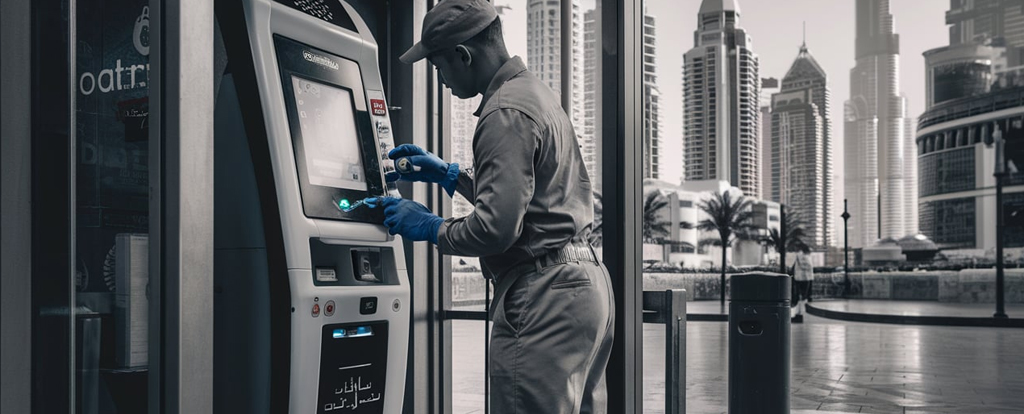
Device Storage guidelines
When storing kiosk for future use, remember the 3 vital external parameters like temperature, humidity and dust.
- Temperature – Store the kiosk machine in a dry and cool place. Avoid extremes of temperature like excessive heat or extreme cold conditions which might pose threat to the components.
- Humidity – Stay away from damp and humid places. Humidity is a big NO for any electronic component. Prolonged exposure to humidity may lead to corrosion.
- Dust – Dust can accumulate in the circuitry board and leads to clogging. Clogging results in overheating and eventually leads to the failure of the components. Do not store the kiosk machine or its components in dusty environments.
- Avoid direct sunlight – Store the kiosk away from direct impact of the sunlight as harmful UV rays can adversely affect kiosk screen functionality.
- Wrap up the machine – Use a self-service kiosk machine cover to wrap up the kiosk machine. The cover protects the machine from dust and scratches.
Shelf-life of hardware components
Hardware components manufactured by reputed manufacturers when stored in ideal conditions provide maximum shelf life. The manufacturer’s storage guidelines may come in handy here.
- Cash acceptors - Up to 5 years shelf life under proper storage and inspection.
- Cash Dispensers - You may assume up to 5 years shelf life; however, dispensers demand improved maintenance as they contain mechanical parts.
- Printers – Thermal printers have improved shelf life compared to inkjet printers. Compared to inkjet printers, thermal printers have lesser number of moving parts, and are reliable too. Under proper storage, thermal printers guarantee a shelf-life of more than 5 years.
Software maintenance
Now, preventive maintenance of self-service kiosks is not restricted to the hardware components alone.
Perform kiosk software maintenance prior to shelving the machine. The remote monitoring facility of Panashi self-service kiosk allows you to perform the task without site visits.
- Perform data backup – make sure the kiosk data is properly backed up.
- Software update – Perform a software and firmware update prior to shelving. This avoids last minute hurry-burry during the kiosk redeployment stage. Seek help from your kiosk provider, if necessary. We provide remote assistance to our clients from our location, making the process hassle-free.
- Remember to perform these updates once in 6 months.
Prompt inspection at regular intervals
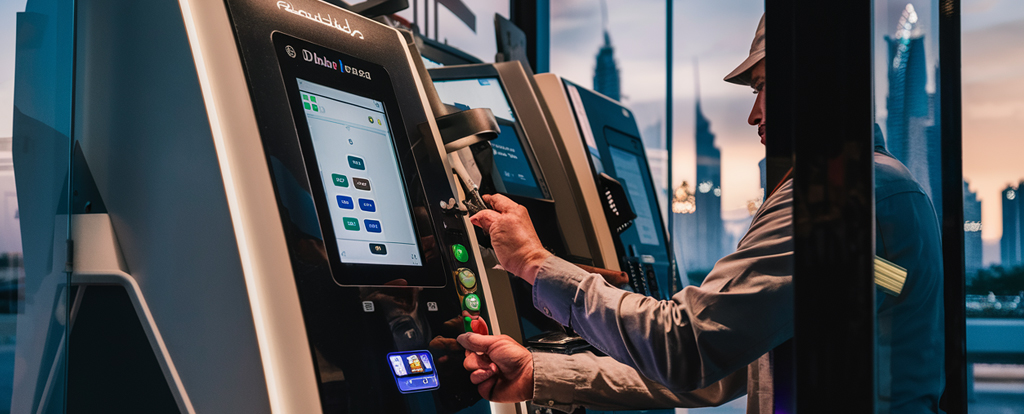
Inspections – Conduct kiosk inspections at regular intervals and keep note of any damage, change of colour, or signs of corrosion.
Testing – in order to check the functionality of various kiosk components, perform a Power-on test at regular intervals. Powering on the system periodically helps in the early detection of issues.
Kiosk security-related guidelines
Store the shelved kiosk at your location, preferably at your warehouse or in an indoor location where you have exclusive access. Safety of the location has paramount importance.
The security of the kiosk is vital because any unauthorized breach or access to the kiosk machine can compromise the security of the components.
If the kiosk is equipped with any locking feature, please have it locked for added safety.
Maintenance documentation
Keeping a record of the maintenance activities makes you well-informed and updated about the kiosk machine during the shelving period. Note down the date of inspection, findings, actions taken, if any, etc.
Component details – Have a precise understanding of the hardware components prior to shelving. You may conduct kiosk check-ups at regular intervals and get the latest updates about the condition of the components.
Real-World scenarios
Keeping a record of the maintenance activities makes you well-informed and updated about the kiosk machine during the shelving period. Note down the date of inspection, findings, actions taken, if any, etc.
Component details – Have a precise understanding of the hardware components prior to shelving. You may conduct kiosk check-ups at regular intervals and get the latest updates about the condition of the components.
- 1. Ticketing kiosk for Sheikh Zayed Festival – Sheikh Zayed Festival, the well-known cultural festival organized in Abu Dhabi is an annual event celebrated to showcase UAE’s rich cultural heritage and traditions. The event attracts thousands of visitors from all over the world.
- 2. Charity Kiosk for Ma’an – the Abu Dhabi government initiative to promote social responsibility and community development, Ma’an – makes use of Panashi’s advanced self-service charity kiosks for various fundraising activities. Some of these kiosks are dedicated to specific campaigns. And it is probable that once a campaign's purpose is met, the kiosk might be shelved for a period of time, maybe for several months. The shelf-life maintenance of self-service kiosk becomes relevant during this shelving period.
Conclusion
By adhering to these guidelines, you can ensure the kiosk remains in top-notch condition during its shelf-life period. The kiosk machine not only remains in pristine condition, but will be ready to resume the operations as expected for the future requirements.
Panashi has a comprehensive preventive maintenance policy in place which we offer to all our clients as part of the service level agreement.
We are perfectly aware of the kiosk shelf-life scenarios in the middle-east context, thanks to our esteemed clients in the UAE.
For any support or consultation regarding preventive maintenance of self-service kiosks, feel free to get in touch with our technical team.